Graphics Programming - Week 1
Background
I think the break between semesters has given me time to think about the type of programming I’m doing. Over the last two years, most of my focus in programming has been in web development even though this isn’t the field of computer science I was always interested in. For as long as I’ve been coding, I’ve wanted to make games, and more recently, game tooling. I’ve always watched game developers on YouTube, especially ThinMatrix and Randy, and the creative process is something that seems extremely satisfying to work on. Even though I’ve tried many times over the years and used countless engines and frameworks. I don’t have much to show for it besides a few demos and some small games. However, I feel now that I’ve gained enough experience with programming to really tackle the field of graphics programming.
I was inspired in large part to really commit to this field of programming by a book I read recently. This was the first book I’d read in a very long time, but it was a novel called “Tomorrow, and Tomorrow, and Tomorrow” by Gabrielle Zevin about two game programmers and their relationship over the course of multiple decades. The book is fantastic, but one quote really convinced me that this was the right choice: “Never use someone else’s engine. You cede too much power to them”. I think the quote is probably a bit too deep, but the main sentiment exists. That’s why I think learning graphics programming at a low level rather than using a pre-existing engine to build is the right choice for learning.
I would rather build a game engine than a game.
Choosing Go and OpenGL
I’ve tried to learn OpenGL many times over the years, but I accepted that at this point, I’m still a beginner and I needed to start from the very first lesson. I also knew that no matter what language I chose to use, LearnOpenGL would be the right resource even though it’s written for C++.
Although I know a decent amount, I don’t think my C++ is at a high enough level to extract all the performance benefits of using it. I think I’d be spending a lot more time if I went down this route. I even thought about using C# and OpenTK, getting a triangle rendering in the process, but I didn’t love using it on a Mac and I couldn’t make it work well with Vim.
So, I started building the graphics engine in Java using LWJGL. I followed TheCherno’s OpenGL course on YouTube and followed along since the OpenGL bindings were the same. However, somewhere along the line, the thought of using Go popped into my head.
I think that there are a lot of benefits to me personally for making the choice to switch to Go. From a coding perspective, I get much faster compile times, easier package management, and for flexible paradigms. It also runs way faster than Java. However, Go and OpenGL is not an area that’s particularly well-document, and I think this will be really good for my learning. In a week, I’ve already spent countless hours of documentation, found code from an old commit and uploaded it as a package, and really invested effort into it. I think in the end I made the right decision and I can’t wait to learn more.
Starting the Project
Starting the project was extremely similar to starting an OpenGL project in any other language since the bindings are so similar. In Go, there are a couple quirks to take care of. The first is to make sure that before the main() function runs, the init() function makes sure OpenGL contexts are running on the same thread:
runtime.LockOSThread()
This is mostly my setup for getting everything set up before the render loop. Some of the code here has already been factored out into classes but any tutorial online should show you what they should contain:
func main() {
	// initialize glfw
	if err := glfw.Init(); err != nil {
		panic("Error initializing GLFW")
	}
	defer glfw.Terminate()

	glfw.WindowHint(glfw.ContextVersionMajor, 3)
	glfw.WindowHint(glfw.ContextVersionMinor, 3)
	glfw.WindowHint(glfw.OpenGLProfile, glfw.OpenGLCoreProfile)
	glfw.WindowHint(glfw.OpenGLForwardCompatible, glfw.True)

	// intiialize the window
	var window, win_err = glfw.CreateWindow(960, 540, "Hello, world!", nil, nil)
	if win_err != nil {
		panic("Error creating window")
	}

	window.MakeContextCurrent()
	// init OpenGL
	if err := gl.Init(); err != nil {
		panic("Error initializing OpenGL")
	}
	// render loop below
}
The code in the render loop itself is pretty much the same as in any other language. In oredr to get anything rendering, I had to set up vertex buffer, vertex array objects, and shaders. Then, I finally had it: a triangle:
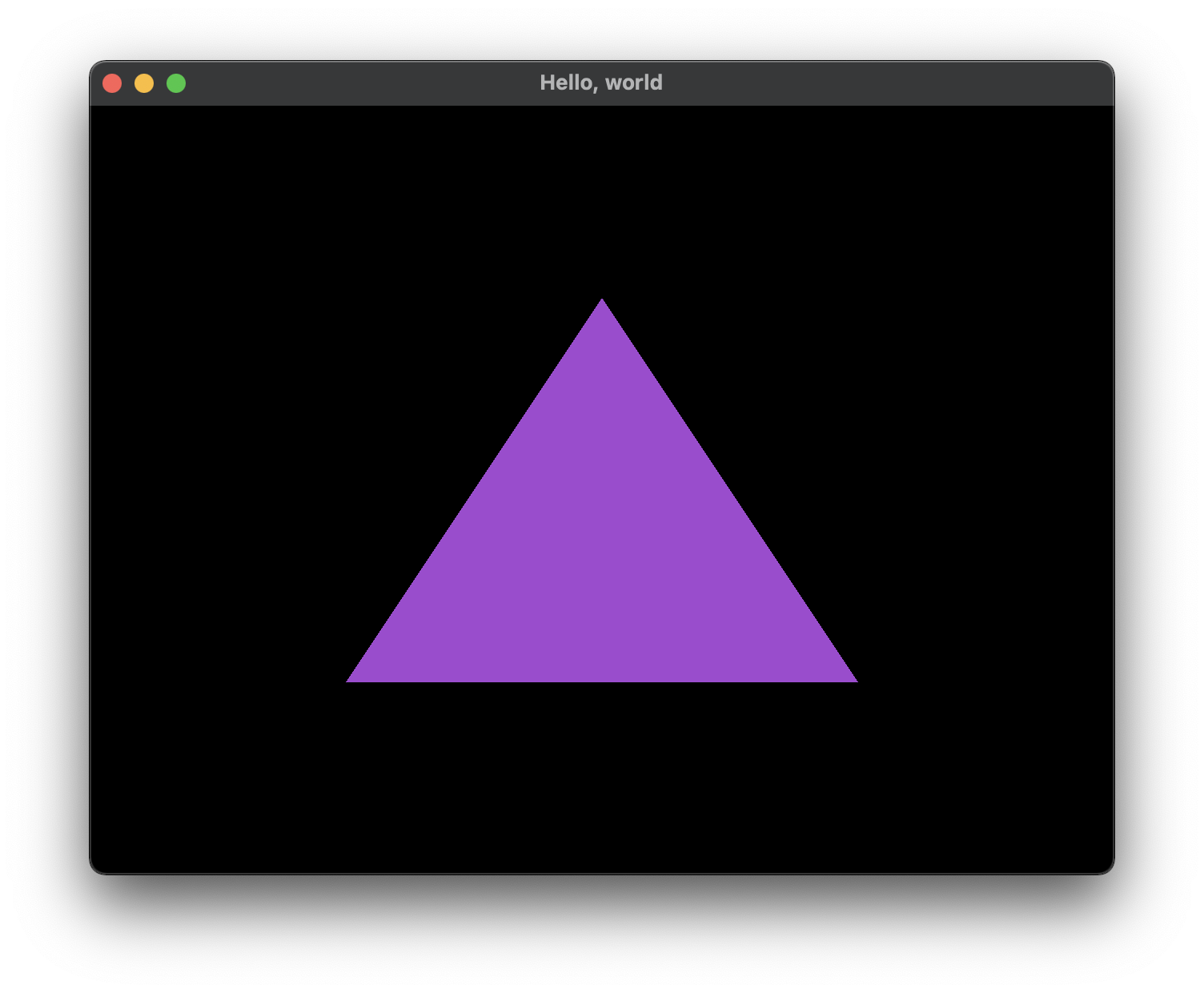
I even had a rectangle and textures working after working with index buffers and texture coordinates. This process was getting a little complicated and difficult gettin used to. There are a lot of buffers and other processes that need to be set before anything can be done, and doing something wrong often doesn’t yield helpful error messages.
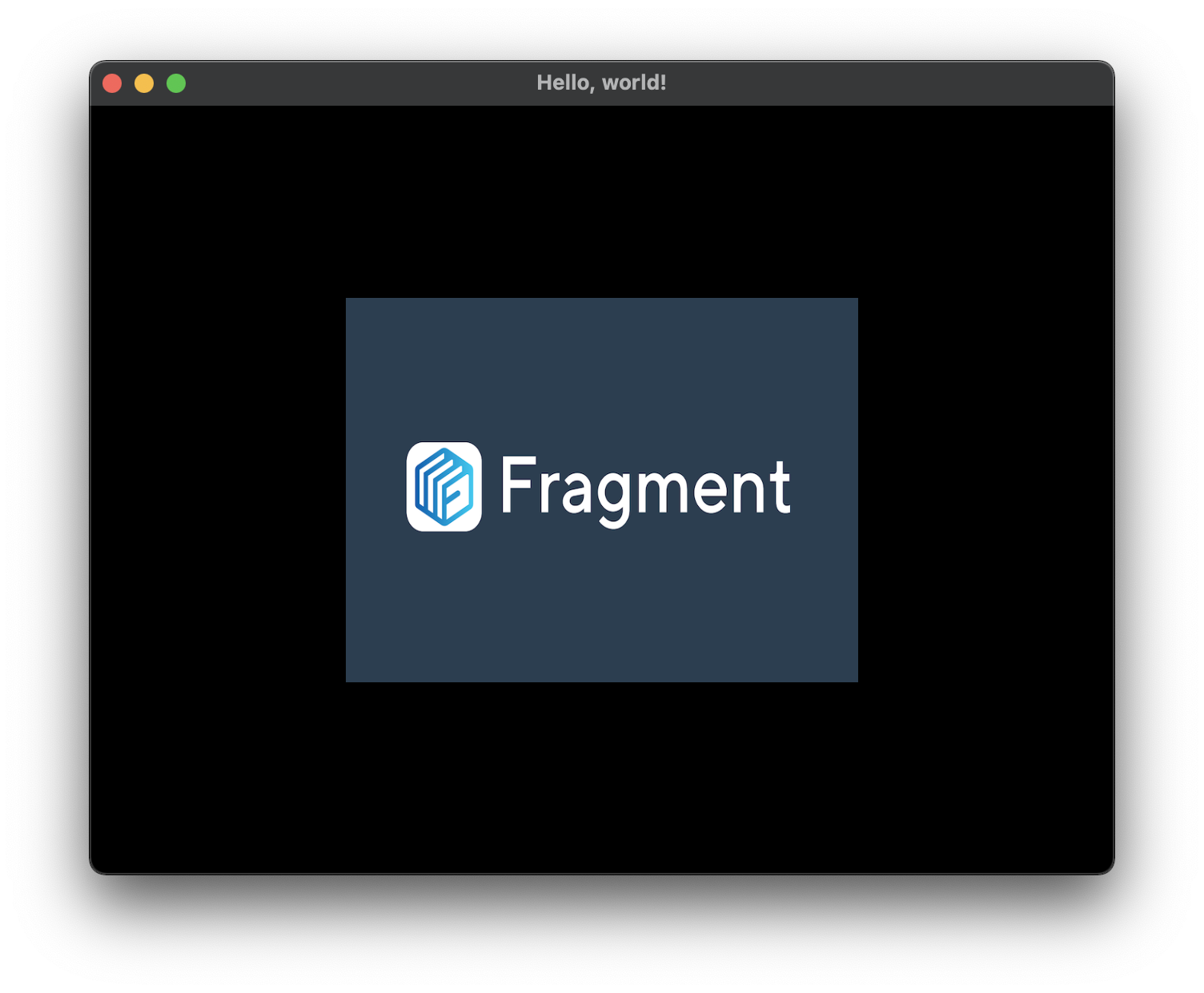
I was adapting to using Go pretty well, although some minor refactors have been required. One example of this would be when creating Go “classes”, whether or not to use pointers or to use the actual object in function type calls. I still don’t know what the right way is but I guess I’ll find out once I know what doesn’t work.
imgui
By far, one of the most fun challenges I’ve had in the project has been implementing imgui. I know it isn’t required, but TheCherno’s OpenGL guide uses it a decent amount and it’s also just an integral tool to know when doing low level programming so I might as well learn in.
There are a few packages that provide bindings for imgui in Go but none of them worked the way that the C++ version (which seems to be the standard across many languages) worked. This was a problem because I didn’t seem to be able to control the glfw.Window object itself without handing control over to this package.
After a lot of looking, I found the solution in an old commit of one of these packages. This contained a function creates an intstance of imgui by passing in a glfw window much like the C++ version does. This should allow users to retain full control of their glfw windows as well as their imgui.IO context. The rendering of imgui itself can be handled by this backend class and you can create imgui frames easily in the render loop.
You can instantiate the imgui context easily:
var window, win_err = glfw.CreateWindow(960, 540, "Hello, world!", nil, nil)
io := imgui.CurrentIO()

// THIS IS THE KEY LINE
impl := glfw_imgui_backend.ImguiGlfw3Init(window, io)
defer impl.Shutdown()
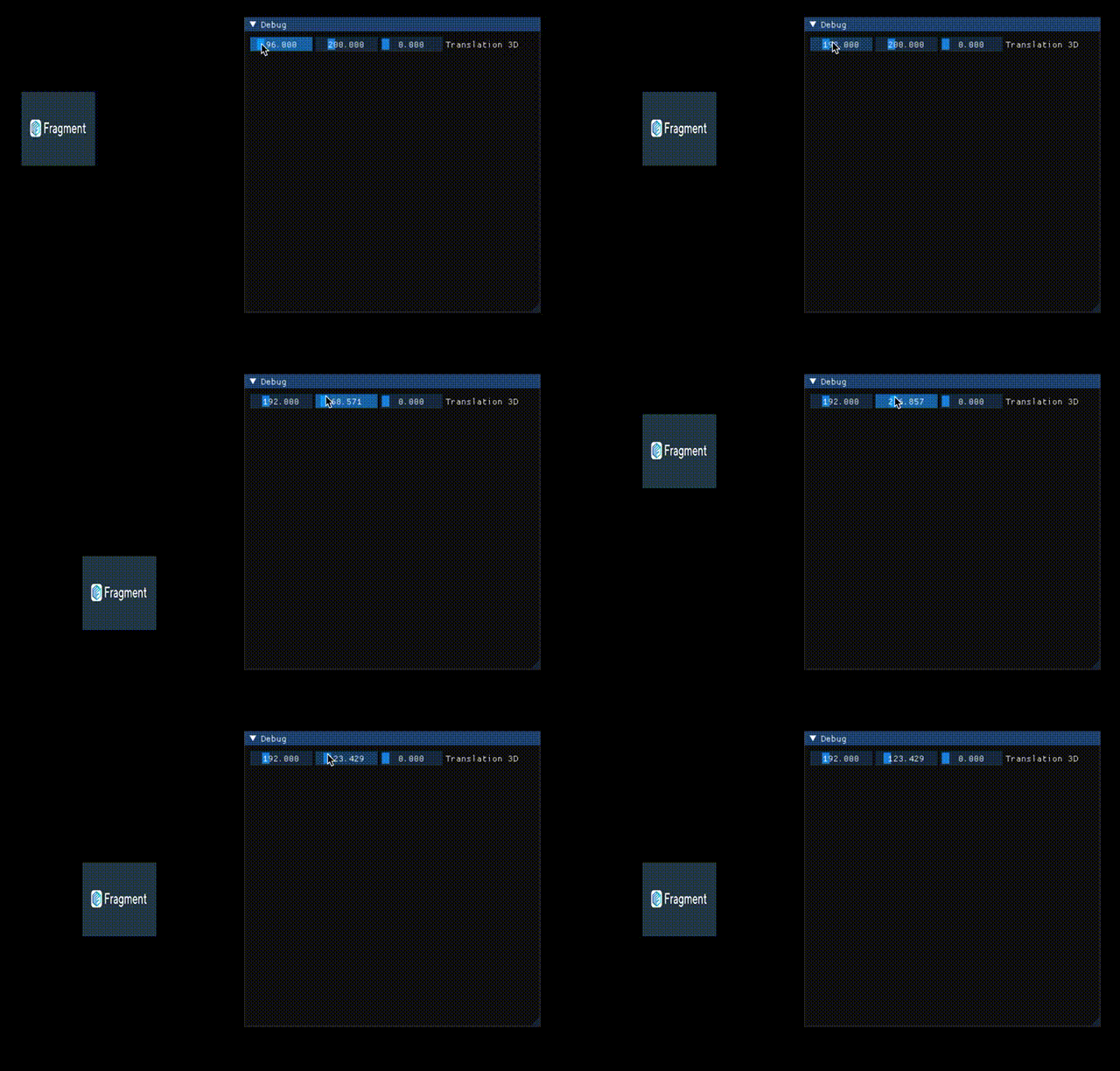
By the end I had an imgui context running in my glfw window. This example also includes added projection matices to build a camera and figure out the vertex positions by using orhtographic matrices. This meant that I could use imgui to modify “game” parameters.
Conclusion
This is pretty much where I am at the end of the week. I’m still going to keep learning as long as the OpenGL playlist from TheCherno goes on. After that I plan to do somewhat of a rebuild of what I have so far in order because I’m going to start the LearnOpenGL tutorials from scratch. Hopefully this stuff starts to stick, I am starting to feel slightly more confident experiementing with the code and changing vertex positions and shapes.
I do think that I’m going to need to start figuring some stuff out architecture-wise because I’ve never built a Go appliction before and this is a project that needs to be efficient. I won’t lie, I was reconsidering my choice in using Go over Java while I was trying to set up imgui but once it was up and running, I think I’ve made the right choice. There are still a few bugs with the C++ files that the bindings are based on, but this might be contained to Linux.
To that end, my main development setup for desktop has moved to Linux on a mini PC that I bought from Alibaba. I dual-booted Windows 10 and Ubuntu but have found Ubuntu way easier to set up for development, mostly because of it’s similarity with the MacOS filesystem, which makes porting over my setup easier. I moved my neovim setup, Alacritty setup, and other dev stuff over and it’s worked pretty well for the most part.